Choose media with purpose.
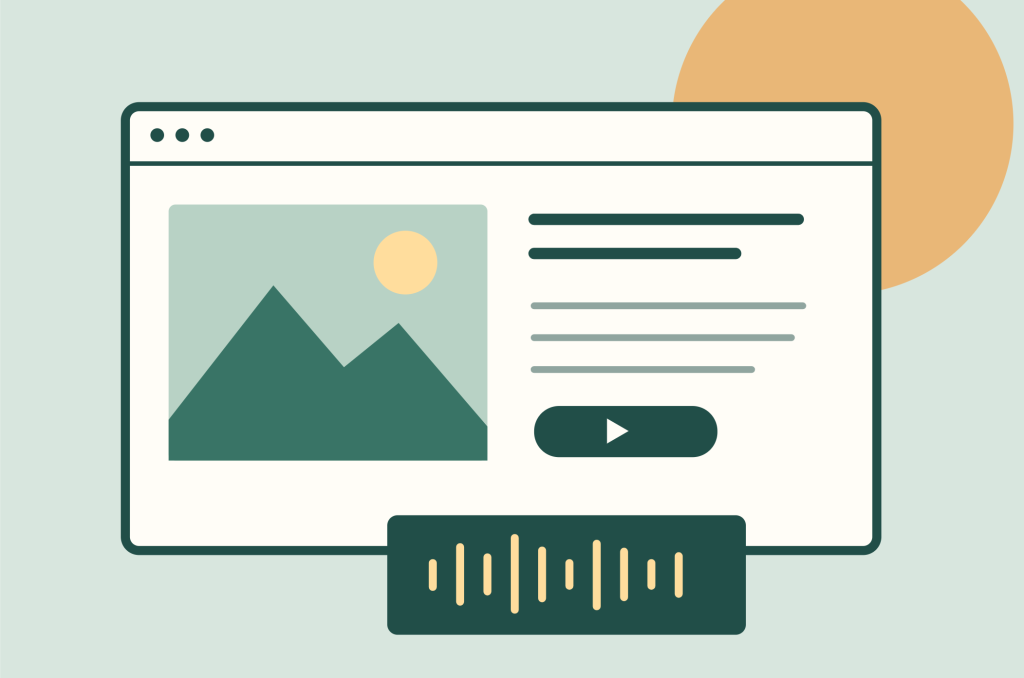
Images, sound, and video can make a website easier to understand. Good design starts with the right message, the right permissions, and the people using it.
01. The readings
Selecting Digital Media for Your Website
- Giving credit is not the same as getting permission. I learned that an image being online does not make it free to reuse. I need to check its copyright status and the permission or license that applies to my use.
- A useful image is clear, relevant, and natural. The chapter calls this “CRaN.” I should choose images that support the topic, keep their proportions, and balance image quality with loading speed.
- Attribution needs more than a name. I learned the “TASL” reminder: title, author, source, and license. For Creative Commons media, I should include appropriate credit, link the license, and identify changes.
Multimedia Design
- Design for the audience. I learned to consider what visitors already know and use language they understand. Text, images, and audio can give people different ways to explore the same idea.
- Remove distractions and break information into pieces. Short, focused media is easier to follow than a crowded presentation. Labels should stay near their graphics, and video visuals should match the narration.
- Accessibility belongs in the design process. I learned to include alt text for meaningful images, captions for video audio, and transcripts for recordings. These alternatives help more people access the information.
02. Copyright & Responsible Use
Permission comes before publishing.
What is copyright?
Copyright is legal protection for original creative work, such as photographs, writing, music, and videos. In the United States, protection generally begins when a human author records or fixes an original work in a lasting form.
It gives the owner rights over copying, sharing, displaying, and adapting the work, subject to legal exceptions. Copyright protects the expression of an idea, not the idea itself.
How can I avoid copyright violations?
- Start with permission. Use original work, verified public-domain material, or content licensed for the intended use.
- Read the exact license. Check attribution, editing, commercial-use, and share-alike conditions.
- Keep a record. Save the source URL, creator, license, and any written permission.
- Credit the creator. Follow the license and note edits. Credit alone does not grant permission.
- Consider other rights. Avoid implying endorsement; check privacy, publicity, and trademark issues involving people or brands.
Two terms worth remembering
Royalty-free does not necessarily mean free of charge or free of restrictions. Fair use is evaluated case by case; a school assignment is not automatic permission. Its four factors concern purpose, the work’s nature, the amount used, and market effects.
How does branding affect images, color, and multimedia?
Branding gives a website a recognizable personality. A consistent palette, image style, and video tone help its pages feel connected. Choose media that fits the audience and message and keep text readable against brand colors.
Example: Outdoor Brand
Natural & adventurous
Forest green and warm earth tones pair with real trail photography. A short equipment demonstration fits the brand’s practical, outdoors-focused voice.
Example: Learning Center
Friendly & clear
Navy and yellow accents pair with simple illustrations. Brief, captioned explainer videos use encouraging language and easy-to-follow examples.
How do images and multimedia affect website design?
- Understanding: A labeled image or short demonstration can explain an idea more clearly than a long paragraph.
- Layout: Image size and video placement influence what visitors notice first. Put media near the content it explains.
- Performance: Large files can slow a page. Resize and compress images, and avoid loading full videos before visitors play them.
- Accessibility: Add meaningful alt text, captions, transcripts, and playback controls. Do not rely on color alone to communicate meaning.
- Focus: Too many animations, unrelated photos, or autoplay sounds can distract visitors. Use a few purposeful media elements.
Resource List
| Resource | Useful for |
|---|---|
| Smithsonian Open Access | Smithsonian Institution | Historical images, objects, and 3D models |
| The Met Collection - The Metropolitan Museum of Art | Art and historical object images |
| Artworks | National Gallery of Art | Paintings, drawings, and other artwork images |
| Not Found | Cleveland Museum of Art | High-resolution artwork images |
| Assets · Kenney | Game graphics, interface elements, and audio assets |
| Poly Haven | Textures, 3D models, and HDRI environments |